Evyx / AI models / Background Remover
Background remover: cut any photo out to a transparent PNG
Upload a photo and get the subject on a transparent background. No brush, no mask, no prompt to write. One image costs 1 Moon, so the 20 free Moons you get at signup cover 20 cut-outs.
Models and prices
| Model | What it does | Input | Prompt | Price |
|---|---|---|---|---|
| Remove Background | Finds the main subject and removes everything else | One photo per run | Not needed | 1 Moon |
| Nano Banana Pro | Places the cut-out into a new scene you describe | Up to 8 images | Required | 8 / 18 / 24 Moons (1K / 2K / 4K) |
How it works
- Upload one photo
A product, a person, a pet, a logo on paper — anything with a clear main subject.
- Press Generate
No settings and no prompt. The run costs 1 Moon, and the price is on the button before you press it.
- Download the cut-out
Save it with a transparent background, or send it straight to Nano Banana Pro to place it in a new scene.
Where cut-outs end up
Marketplace main images
Shoot the product on your kitchen table, remove the background, place it on plain white. Ten products cost 10 Moons.
Stickers for Telegram and WhatsApp
Cut out a face or a pet, keep the transparent background, and the sticker has clean edges instead of a white box.
Team page on a website
Photos taken in different offices look like one set once every person sits on the same brand colour.
YouTube thumbnails and ad banners
A cut-out of the presenter goes on top of a bold background or a screenshot, the way most thumbnails are built.
Try it on stock images
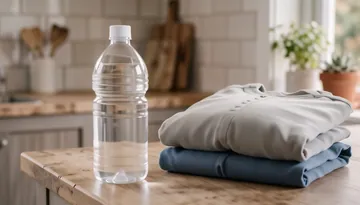
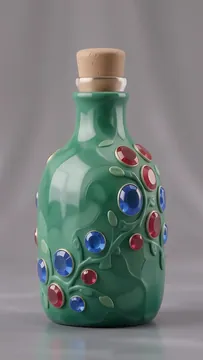
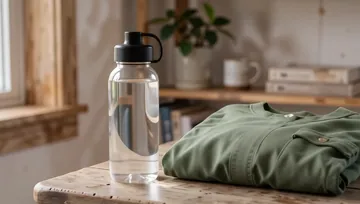
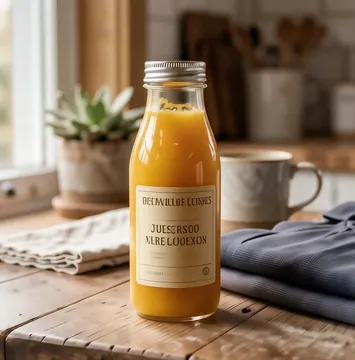
All bottle images →Try it on a stock photo — the image opens in the background remover, already loaded.




Why Evyx
All top AI models in one account — video, images, voice, music and chat.
One balance, pay per result. Top-ups from $5, bought Moons never expire.
Price is shown before every run. Commercial rights to your results.
FAQ
How much does background removal cost?
1 Moon per image. You get 20 free Moons at signup, which is 20 cut-outs, and top-ups start at $5. Bought Moons never expire.
What format is the result?
A cut-out with a transparent background, ready to drop into Figma, Canva, PowerPoint or a marketplace editor.
Which photos work best?
One clear subject that stands apart from the background. Glass, smoke and very fine flyaway hair are the hardest cases, so check the edges at 100% before using the image in print.
Can I replace the background instead of removing it?
Yes. Open the cut-out in Nano Banana Pro, describe the new scene — for example a marble countertop in soft morning light — and it is placed in. That costs from 8 Moons.
Can I remove backgrounds from many photos at once?
Each run takes one photo. At 1 Moon a run, a batch of 50 product shots costs 50 Moons.
Do I need to install anything?
No. It works in the browser on desktop and phone, and you pay only for the images you process.
Can I use the cut-outs commercially?
Yes. You keep commercial rights to your results, as long as you have the rights to the original photo.