Evyx / AI models / Photo Editor
Photo editor that takes instructions, not sliders
Upload a photo and write what should change: “make it evening”, “replace the mug with a glass of juice”, “remove the people in the background”. Nano Banana Pro edits up to 4K and takes up to 8 reference images; Editor handles quick everyday retouching.
Models and prices
| Model | Best for | Inputs | Quality | Price |
|---|---|---|---|---|
| Nano Banana Pro | Big changes: new scene, new season, new outfit, text on signs | Up to 8 images | 1K, 2K, 4K | 8 / 18 / 24 Moons |
| Editor | Retouching and small fixes while keeping the composition | 1 photo + up to 3 references | standard | 10 Moons |
How it works
- Upload the photo
Add the image to edit. Attach extra images if you want to borrow a style, a colour palette or an object from them.
- Describe the change
One clear instruction works best: what to change, what to keep. In Nano Banana Pro pick 1K, 2K or 4K and the aspect ratio.
- Generate and refine
Check the price on the button, run it, then keep editing the result with a new instruction or download it.
Edits people ask for
Change the season
“Same street, but winter: snow on the roofs and pavement, keep the people and the cars.” Nano Banana Pro, 2K, 18 Moons.
Product on a new surface
“Put this bottle on wet black slate with soft light from the left.” Useful when the studio shot is fine but the background is dull.
Clean up a frame
“Remove the cables on the wall and the bin on the left.” Editor, 10 Moons.
Match a set of photos
Upload three shots from one shoot plus a reference with your brand colours and ask to bring all of them to the same grade.
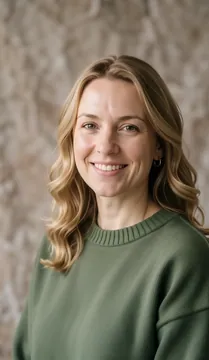
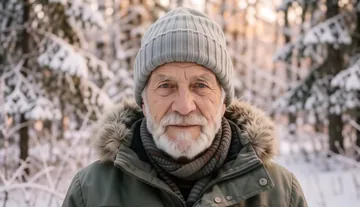
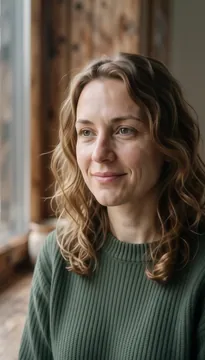
Try it on stock images
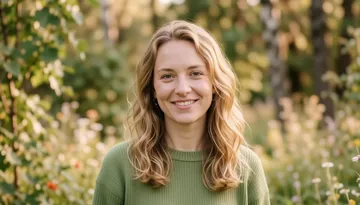
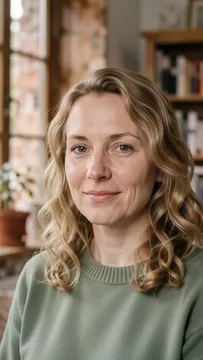
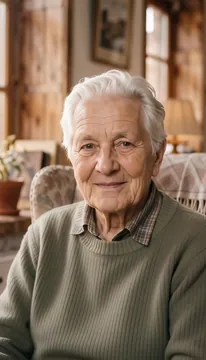
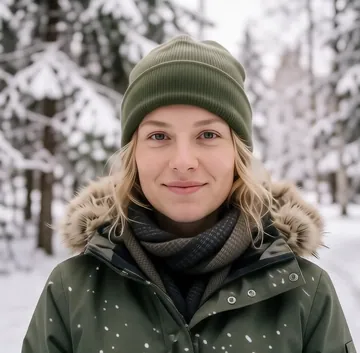
All portrait images →Pick a stock photo and edit it — it opens in Nano Banana Pro, already loaded.

Why Evyx
All top AI models in one account — video, images, voice, music and chat.
One balance, pay per result. Top-ups from $5, bought Moons never expire.
Price is shown before every run. Commercial rights to your results.
FAQ
How much does AI photo editing cost?
Nano Banana Pro costs 8 Moons at 1K, 18 Moons at 2K and 24 Moons at 4K. Editor costs 10 Moons per run. You get 20 free Moons at signup and see the price before each run.
How do I write a good instruction?
Say what to change and what to keep, in one or two sentences: “replace the sky with a clear blue one, keep the building and the people unchanged”. Avoid stacking five edits in one prompt; do them one after another.
Will the person in the photo still look like themselves?
Usually yes, especially with small edits. Large changes — new pose, new lighting — can shift facial features slightly, so compare with the original before publishing.
What resolution do I get?
Nano Banana Pro outputs 1K, 2K or 4K in ratios from 1:1 to 21:9. For larger files, run the result through the Image Upscaler.
Can I use more than one image?
Yes. Nano Banana Pro takes up to 8 images, Editor one photo plus up to 3 references for style, colour, light or retouching.
Is this the same as inpainting?
Close. Inpainting is about one area of the picture; this editor works on the whole photo from a text instruction. For removing a single object, both work.
Can I use edited photos commercially?
Yes. You keep commercial rights to your results, as long as you own or have licensed the original photo.